Features:
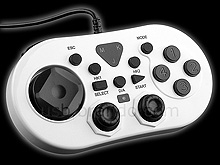
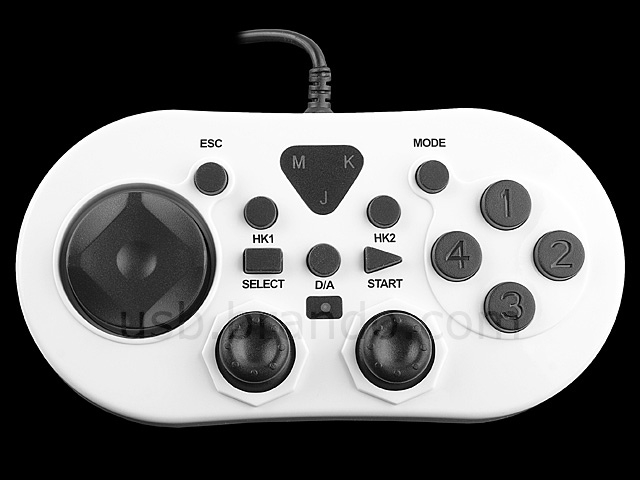
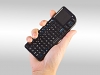
- 3 Functions: GameStick, Mouse, Keyboard (Limited key)
- Mini size game controller
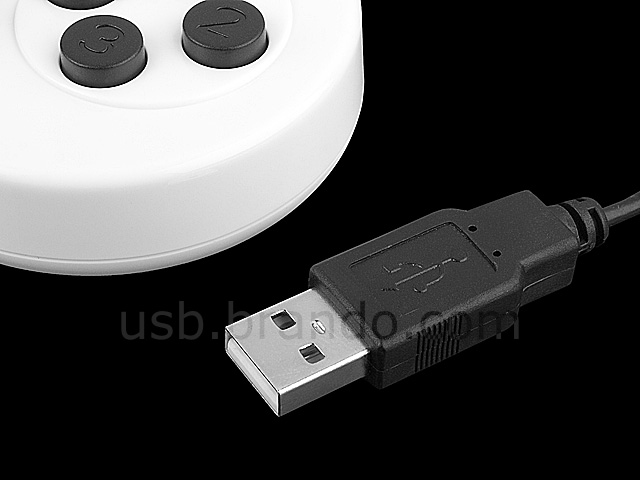
- Plug and Play, no driver need
- Support Window 7 / Vista / XP, Linux
- Dimension: 120 x 63 x 28mm (approx.)
- Weight: 110g
| List of key define under every mode |
Key Name |
Keyboard Mode |
Mouse Mode |
Joystick mode (Digital) |
Joystick mode (Analog) |
| Left Mini Joystick |
Mouse axis x-y |
Joystick axis x-y |
| Right Mini Joystick |
Mouse axis x-y |
Buttons 1~4 |
z-axis & z-rotation |
| Direction Pad |
↑ ↓ ← → kyes |
Mouse axis x-y |
Joystick axis x-y |
Vision helmet |
| Button 1 |
S key |
Mouse scroll up |
Button 1 |
| Button 2 |
X key |
Mouse right button |
Button 2 |
| Button 3 |
Z key |
Mouse scroll down |
Button 3 |
| Button 4 |
A key |
Mouse left button |
Button 4 |
| Button L1 |
D key |
Mouse left button auto click |
Button 5 |
| Button R1 |
C key |
Mouse middle button |
Button 6 |
| Button L2 |
|
|
Button 7 |
| Button R2 |
|
|
Button 8 |
| Button Select |
SPACE key |
|
Button 9 |
| Button Star |
Enter key |
|
Button 10 |
| Left Joy Button |
Mouse left key |
Button 11 |
| Right Joy Button |
Mouse left key |
Button 12 |
| Button D/A |
DIGITAL / ANALOG mode switch (ANALOG-LED ON, DIGITAL-LED OFF |
| Button HK1 |
Hot Key-1 (ctrl + alt + K combo key, Auto enter Mouse mode when button be released) |
| Button HK2 |
Hot Key-2 (ctrl + alt + L combo key, Auto enter Mouse mode when button be released) |
| Button ESC |
Esc Key (Auto enter Mouse mode when button be released) |
| Button Mode |
Keyboard / Mouse / Jostick mode change |
Package Content:
- 3-In-1 USB Multi-Function Game Pad
|
|
|